Description
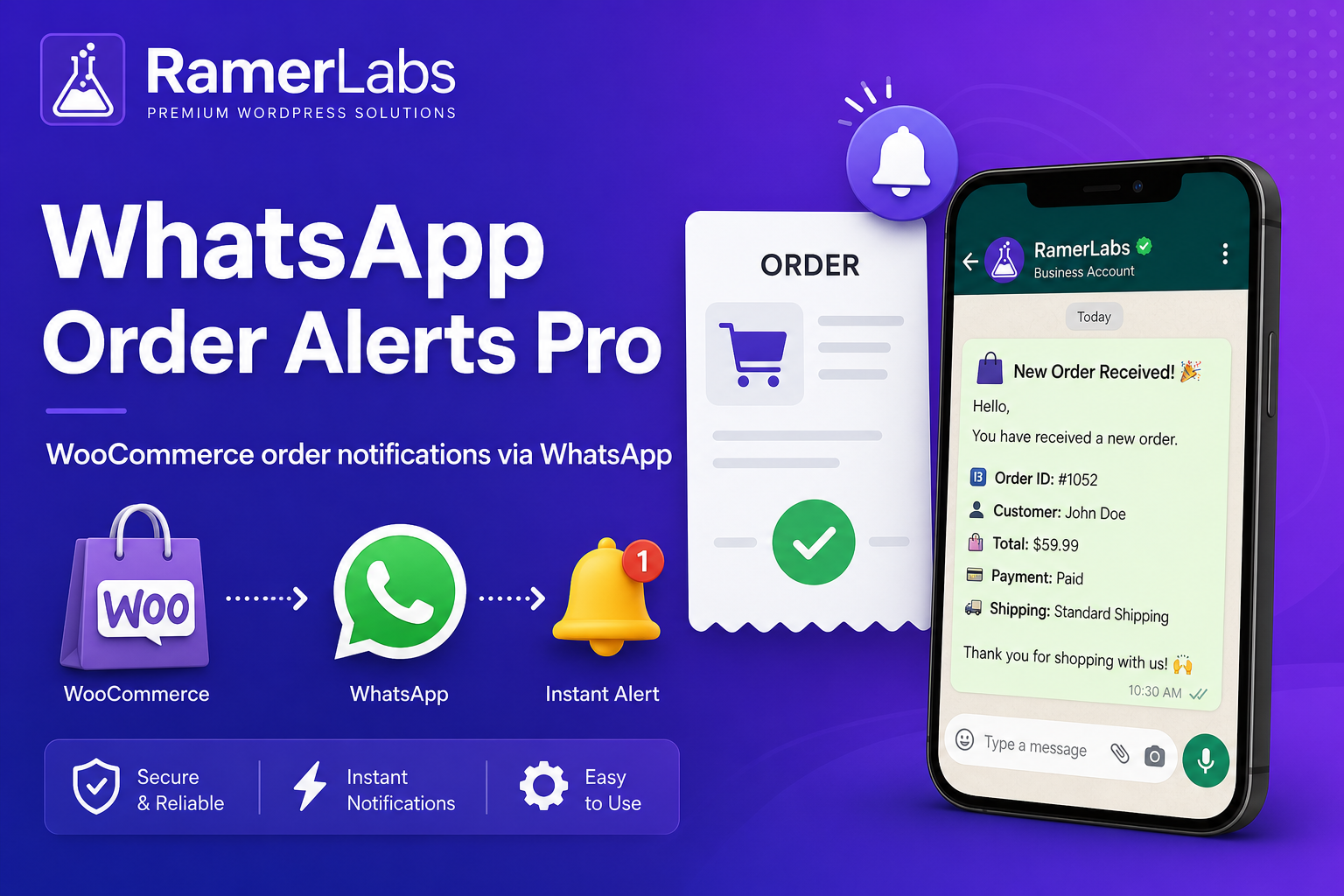
Automate WooCommerce order alerts on WhatsApp – notify your team instantly on new orders and keep customers updated on processing, shipping, and delivery without manual copy-paste.
📦 Why order alerts on WhatsApp matter
Email gets buried. SMS costs add up. WhatsApp is where your team and customers already are.
- ✅ Faster fulfillment – staff get new-order alerts on their phone in seconds.
- ✅ Happier customers – automatic status updates reduce “where is my order?” messages.
- ✅ Higher trust – proactive updates feel personal and professional.
- ✅ Less admin work – templates with order details replace repetitive typing.
- ✅ Compliance-ready – checkout opt-in so customers choose WhatsApp updates.
🚀 Premium features
- ☁️ WhatsApp Cloud API – fully automated sends with Phone Number ID + access token
- 👥 Multi-staff routing – different numbers for new orders vs status changes
- 📝 Custom templates per status – processing, completed, cancelled, refunded, and more
- 🧩 Smart placeholders – order number, total, items, customer name, payment method
- ✅ Checkout opt-in – optional or required WhatsApp updates checkbox
- 🕐 Business hours queue – delay customer messages outside your hours
- 📋 Message log – sent, failed, manual, and queued with retry
- 🔗 Manual fallback – click-to-send links when API is not configured yet
- 📌 Order notes – private WooCommerce notes when alerts go out
🎯 Perfect for
- 🛒 WooCommerce stores with high order volume
- 🏪 Local shops that fulfill orders same-day
- 📦 Dropshippers who need instant owner alerts
- 👨💼 Teams where multiple staff handle orders
🔑 How licensing works
- 🛍️ Purchase on ramerlabs.com
- 📧 Receive your license key by email
- ⬇️ Download and install the plugin
- ✨ Go to WA Order Alerts > License and enter your key
- ⚙️ Connect WhatsApp Cloud API under Settings
Requires WooCommerce. Works with any theme. Pair with RamerLabs WhatsApp Chat Pro for a complete WhatsApp sales stack.
💜 Support: support@ramerlabs.com


Reviews
There are no reviews yet.